
Play Across Displays

Asteroid Run · 1 display

A little display. A lot of personality.
Drag, swipe or tap a unit to bring it to the front. Tap the front unit to turn it to portrait. See every module
PixelPop for MacThe Companion app, on your desktop
Also on your Mac.
Run your PixelPop from your desk. Pick AutoPops, preview them, paint with your mouse, and send your Wi-Fi to a new board. Plug the board in with its USB-C cable, or reach it over Wi-Fi.
Download for Mac
Free · Intel or Apple silicon
macOS 13 or later
Get the iPhone app
Download it free through Apple's TestFlight: tap the button on your iPhone, install TestFlight if asked, then tap Install. The app tells you when a new build is out, and builds are refreshed at least every 90 days.
The iPhone app is coming soon to the App Store. Until then, use PixelPop for Mac above, or type the .local address your board scrolls on its screen into any browser on your Wi-Fi.
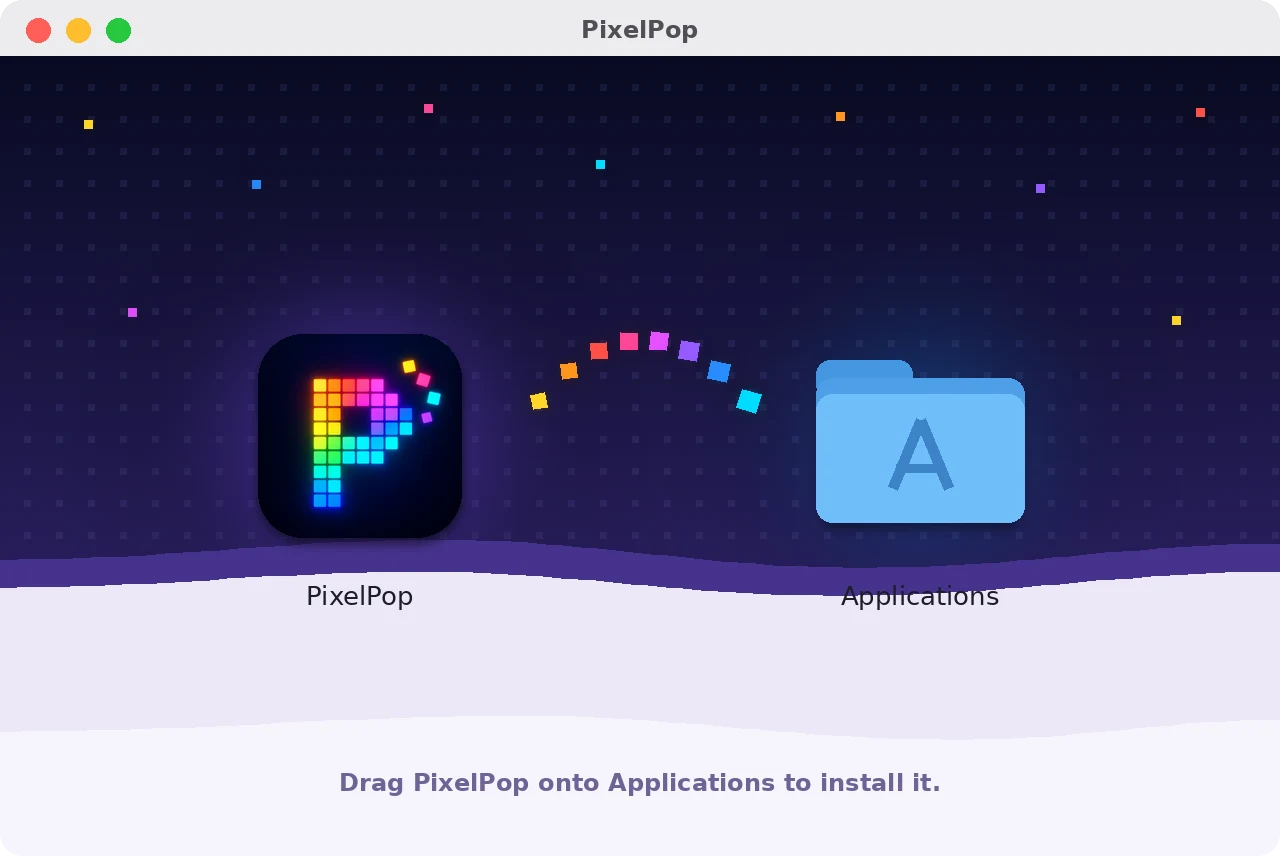
- Open PixelPop.dmg from your Downloads.
- Drag PixelPop onto the Applications folder.
- Open PixelPop from Applications and pick your board.