
Paint
A little creativity. Right in your hand.
Draw on your iPhone, iPad, or Mac and watch every pixel light up on PixelPop as you go.
Live mirroring
One pixel. One LED.
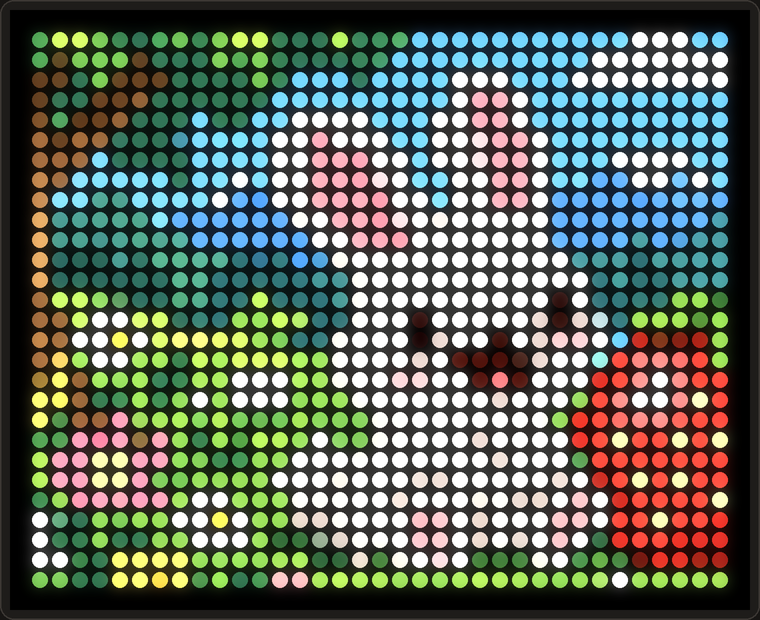
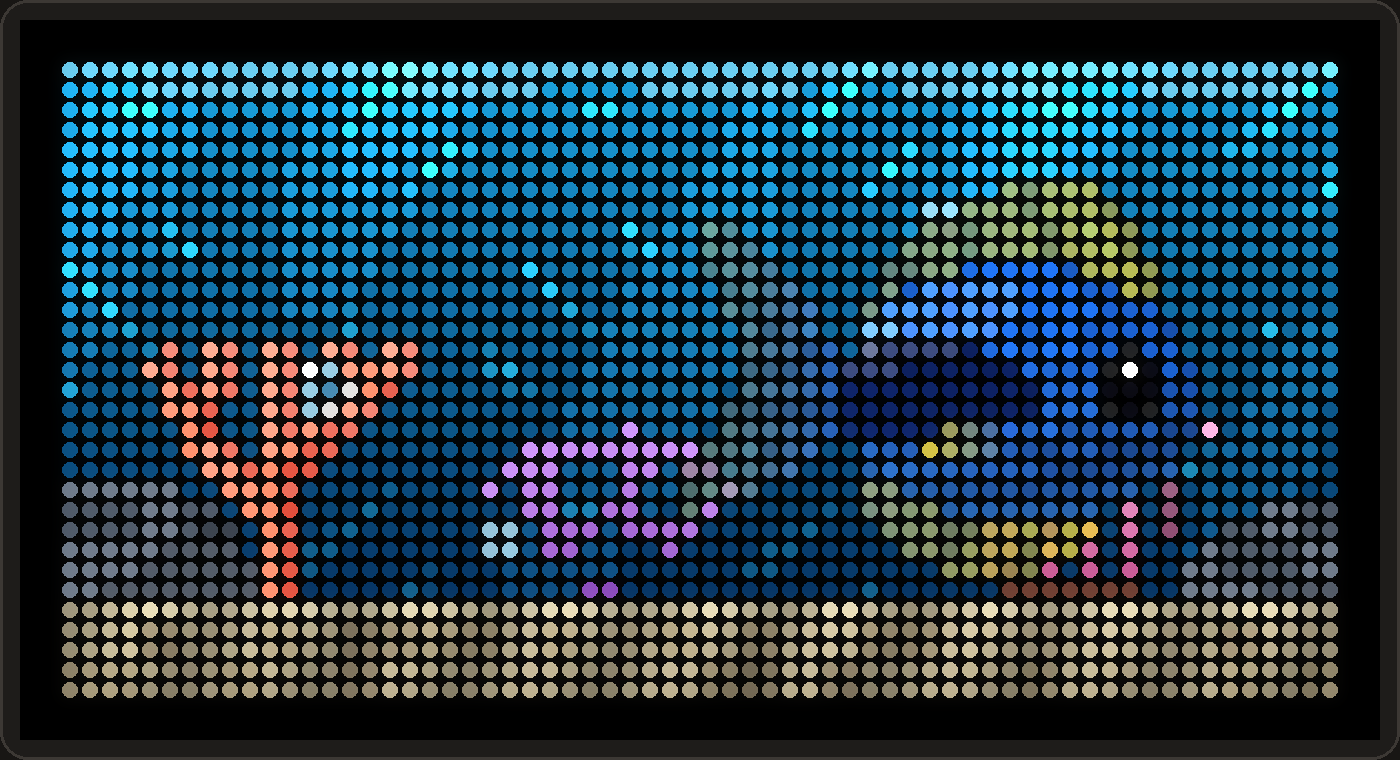
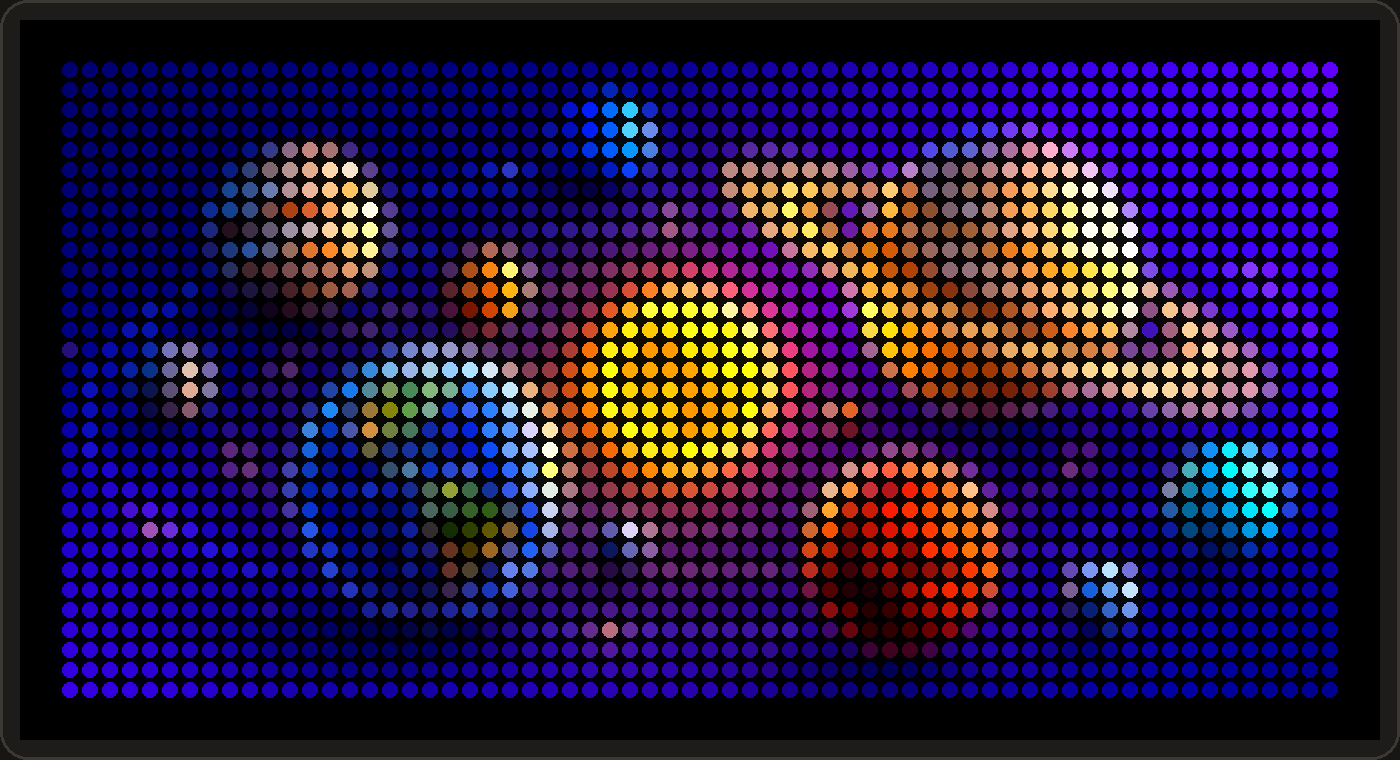
Your canvas is the display: 64 by 32, the same grid as the panel. Every stroke shows up on PixelPop while you paint.
Leave Paint, and your AutoPops return on their own.
- Pencil
- Eraser
- Fill
- Select & move
- Undo & redo
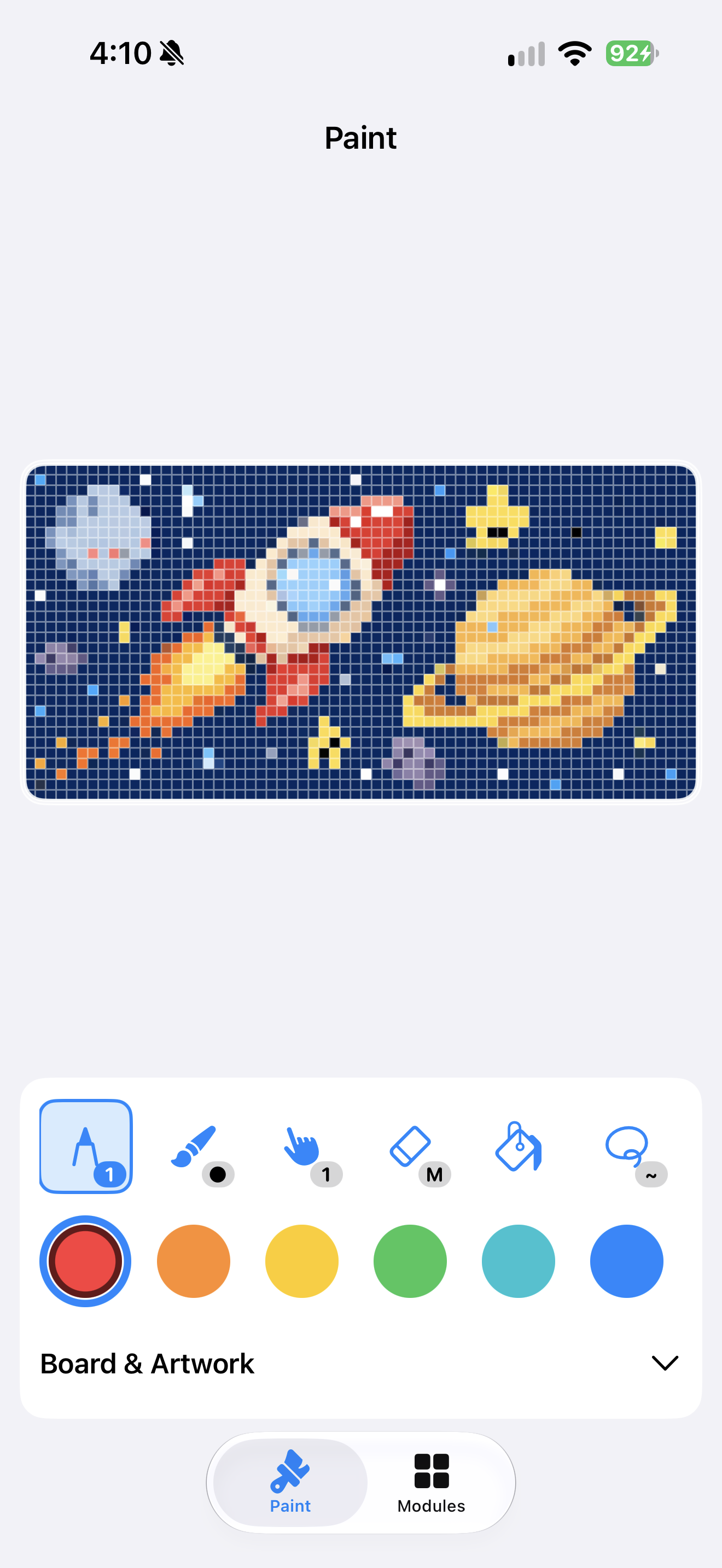
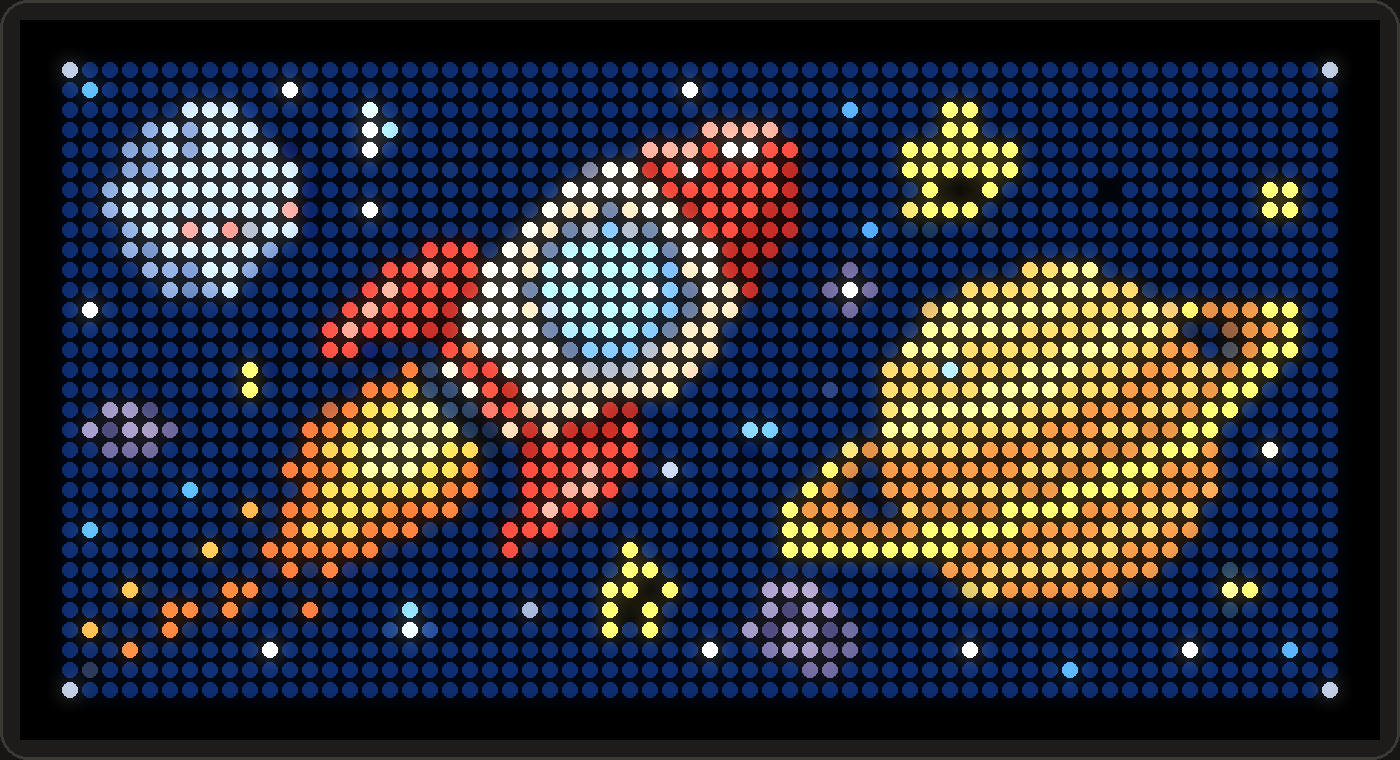
Zoom
Make every pixel yours.
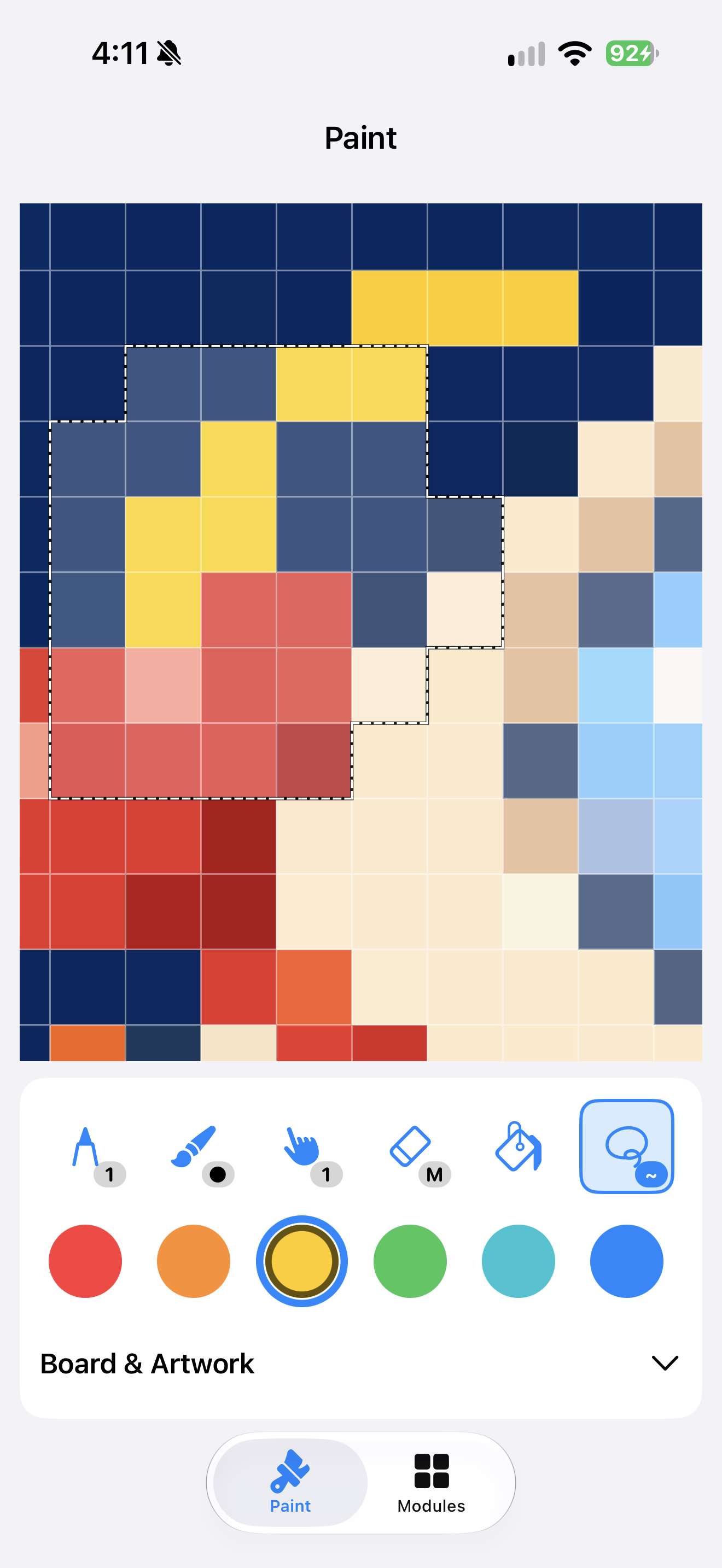
Zoom in for the little details. Pick a color, fill a shape, or lasso a selection and move it. A few pixels can become a whole new world.
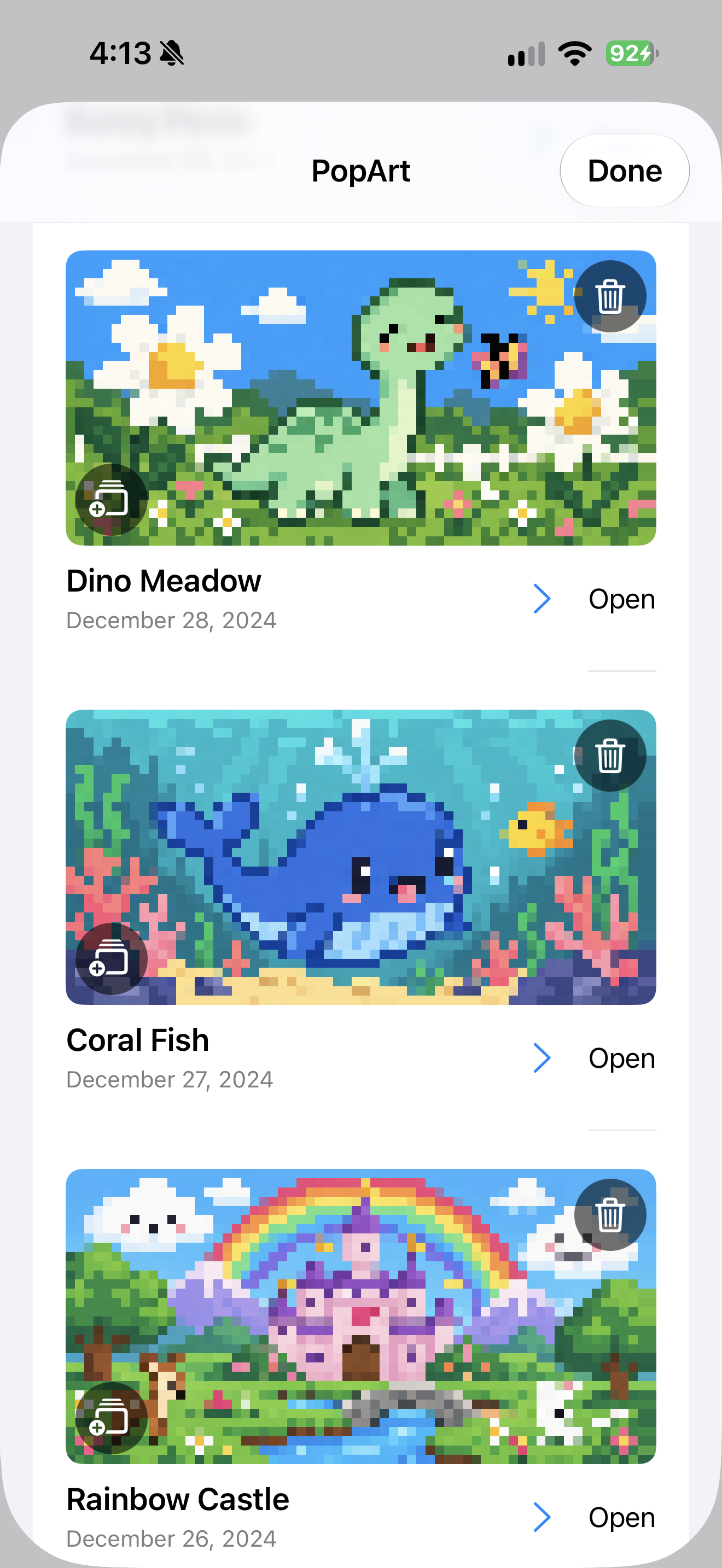
PopArt
Start with a little inspiration.
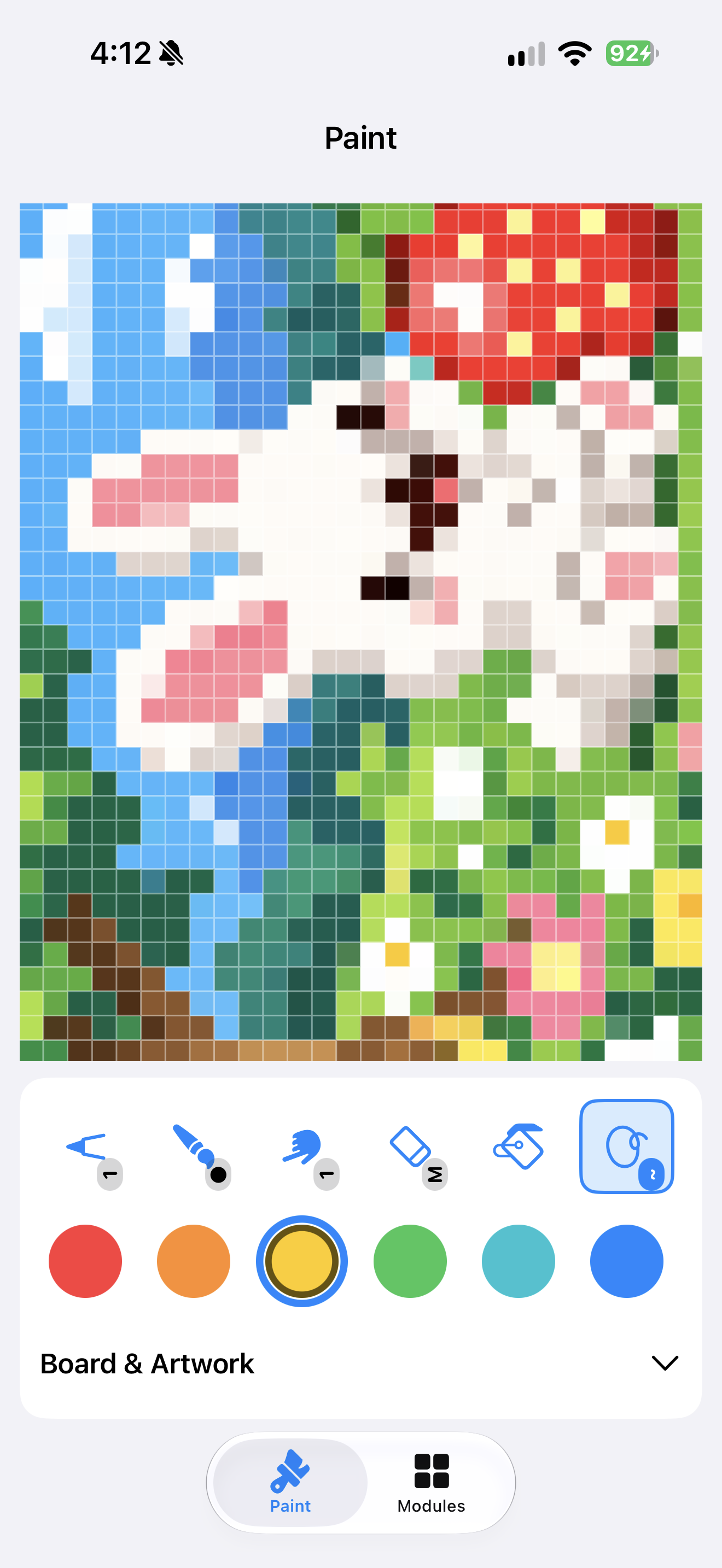
Open a favorite from your PopArt collection and keep creating, or start from a blank canvas.
On the panel
Tiny canvas. Big glow.
PixelPop for Mac
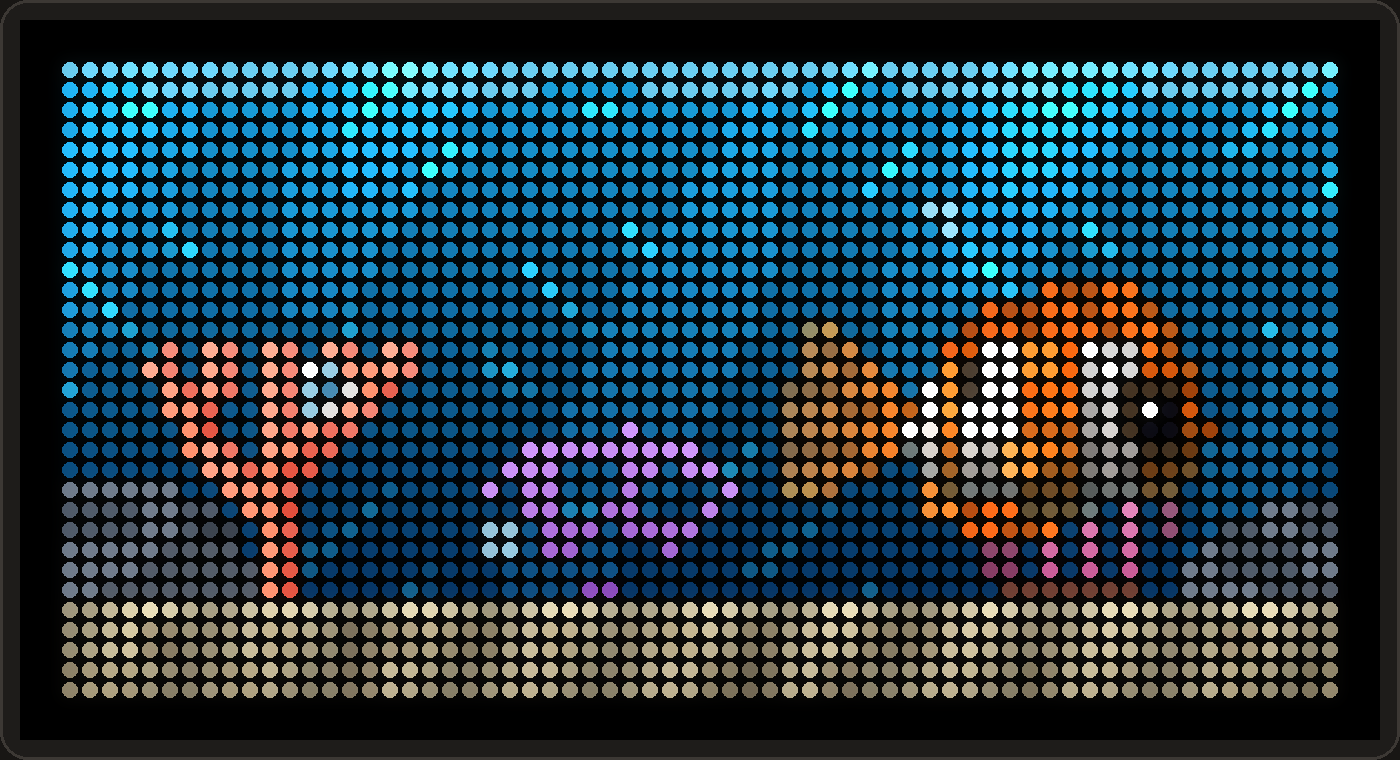
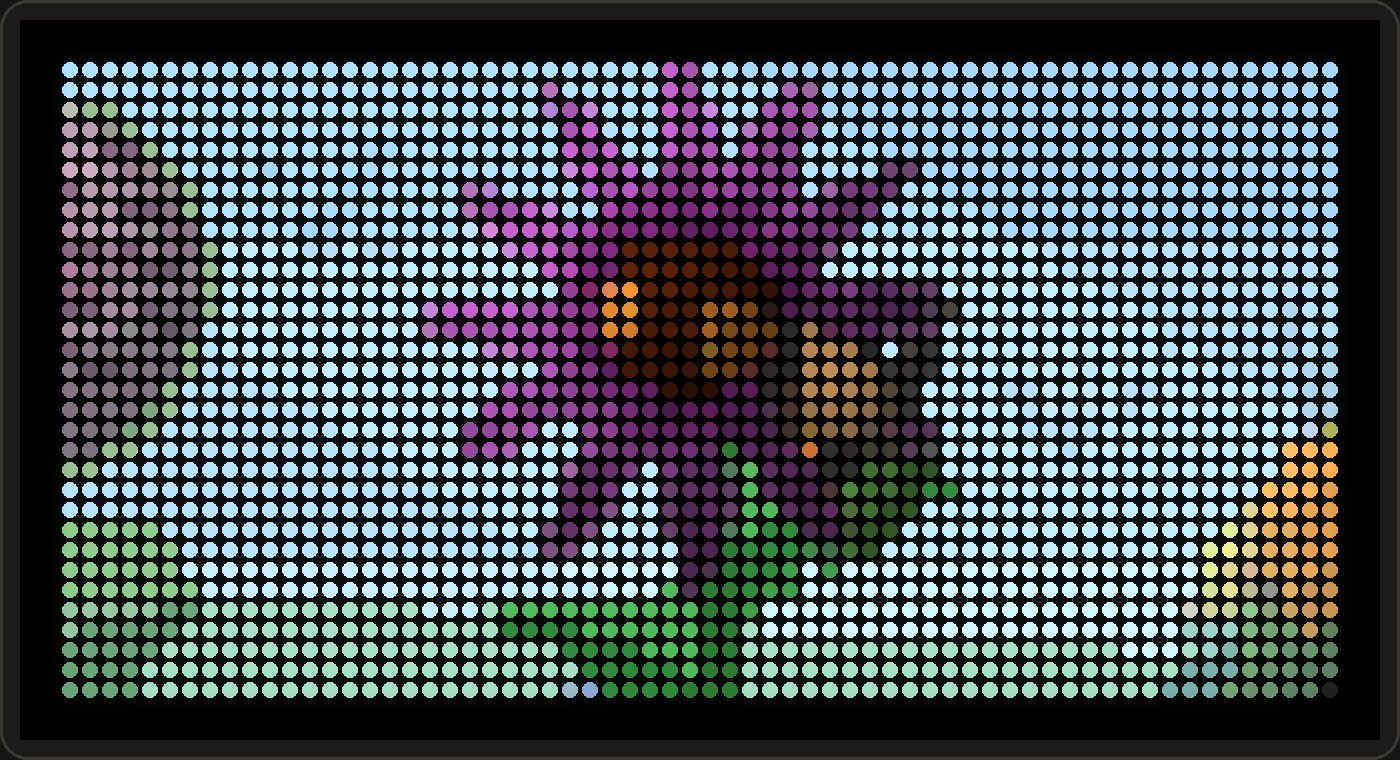
Paint with your mouse.
The Mac Companion paints too. Sit at your desk, draw with the mouse, and reach your board over USB-C or Wi-Fi.
Get started
Pick up a brush.
Download it free through Apple's TestFlight: tap the button on your iPhone, install TestFlight if asked, then tap Install. The app tells you when a new build is out, and builds are refreshed at least every 90 days.
The iPhone app is coming soon to the App Store. Until then, use PixelPop for Mac, or type the .local address your board scrolls on its screen into any browser on your Wi-Fi.